

Inside My Desk Setup
The Tools and Systems That Keep Me Focused

A few years ago, my workspace was chaos.
Sticky notes everywhere. 50 open tabs. Reminders scattered across random apps. Half-written to-do lists that never saw the light of day.
I was juggling multiple roles—running farmtocups, consulting, writing—and every day felt like an endless game of mental pinball. By the time I shut my laptop, I was exhausted but had no clear sense of what I actually got done.
That’s when I realized: I didn’t need more hours. I needed a system.
So, I rebuilt everything from the ground up—starting with my desk setup and digital workflow. Now? My workspace isn’t just where I work. It’s a system built for focus.
The Clean Desk Rule: Why My Workspace Looks Like This
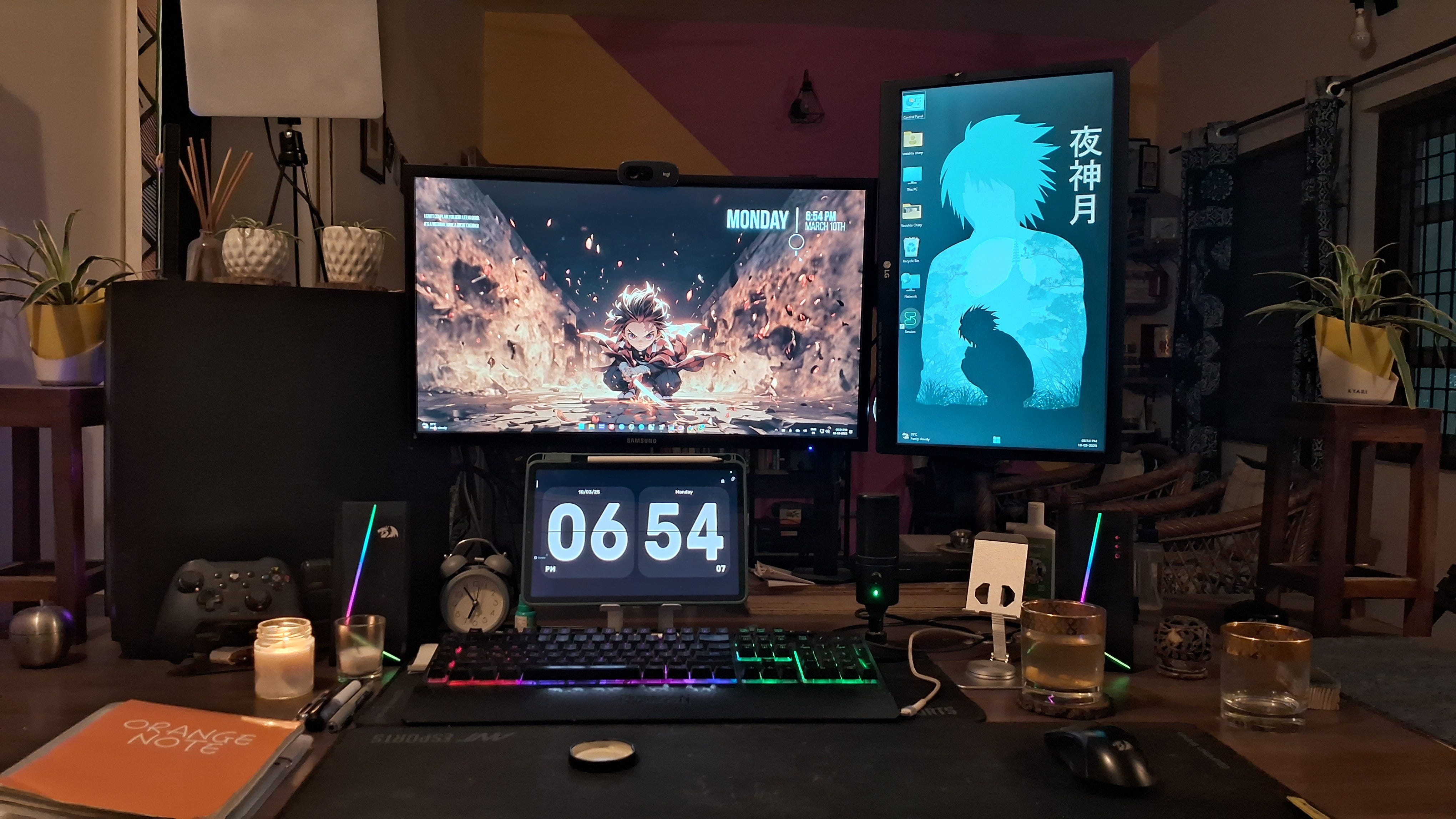
If you look at my desk today, you won’t find clutter. No stacks of papers. No tangled cables. No random junk.
Everything has a place. Here’s why:
A cluttered desk = a cluttered mind. Visual chaos makes it harder to focus.
Minimal distractions = deeper work. If it doesn’t serve a purpose, it doesn’t belong here.
Mood matters. Lighting, plants, setup—all designed to make my workspace somewhere I actually want to sit down and work.
My workspace isn’t just about aesthetics—it’s an extension of my workflow. If my desk starts feeling cluttered, it usually means my system needs an adjustment.
The Productivity Stack That Keeps Me On Track
Of course, a clean desk alone isn’t enough. The real magic happens when systems support that clarity.
Here’s what I use every day:
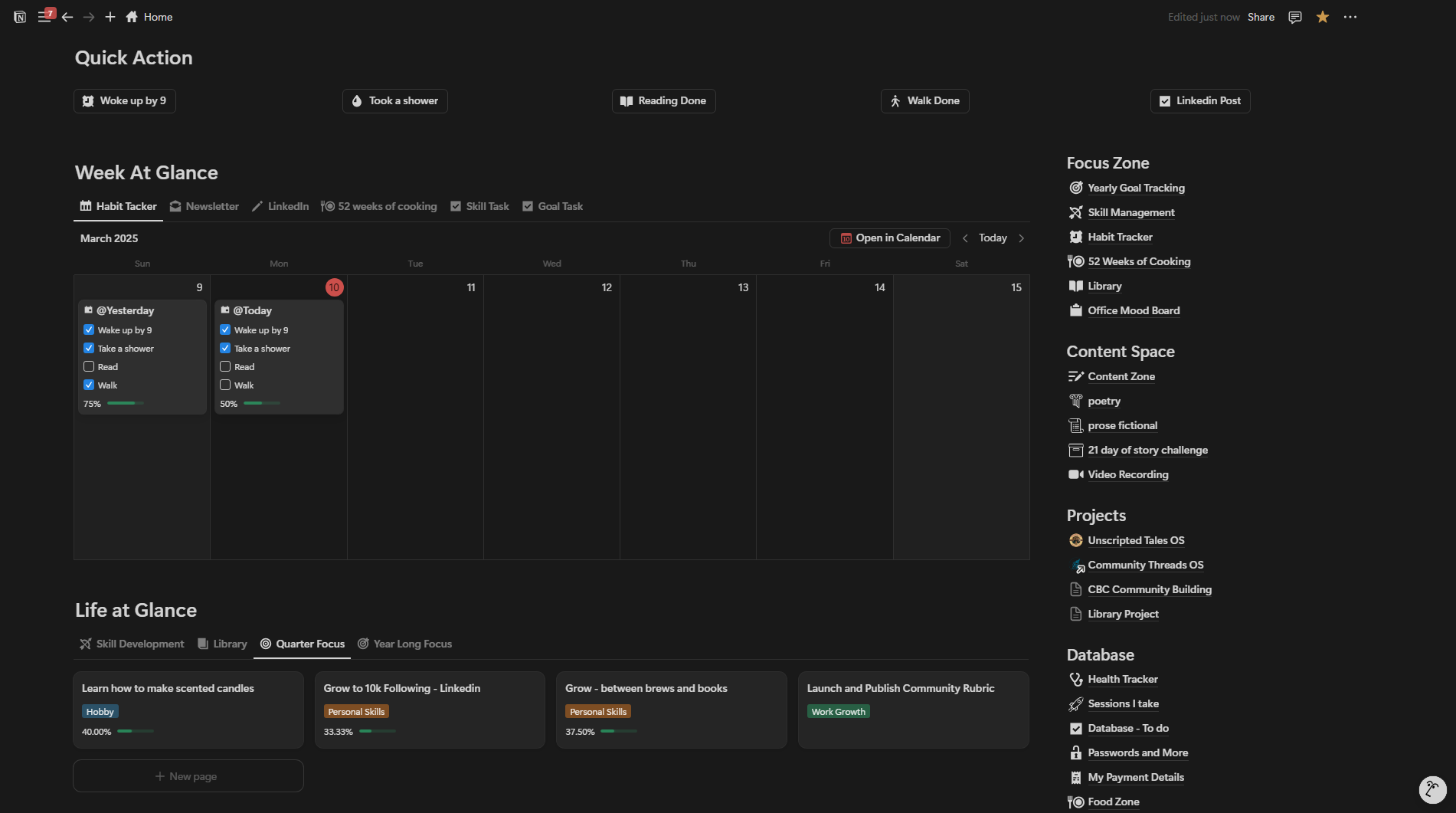
1. Notion + Calendar → The Command Center
Notion is my second brain. It’s where I plan, track, and organize everything—from farmtocups strategy and content ideas to personal notes and deep work sessions.
But planning is useless without execution, so every important task gets a calendar time block to make sure it actually happens.
Without these two? I’d be drowning in ideas with no execution.
2. ClickUp → The Execution Engine
Managing multiple projects means I need a system that keeps everything in one place without overwhelming me.
ClickUp is where I:
✅ Break down big projects into smaller, actionable tasks
✅ Automate recurring tasks so I don’t forget the essentials
✅ Prioritize work so I know exactly what needs my focus
It keeps me from wasting time figuring out what to work on.
3. ChatGPT + Perplexity AI → My Thinking Partners
AI isn’t about replacing thinking—it’s about enhancing it.
ChatGPT is my go-to for brainstorming, structuring ideas, and refining my thoughts before writing.
Perplexity AI helps with quick, in-depth research so I don’t fall into endless Google searches.
These tools cut through the noise and speed up decision-making.
4. Arc Browser → A Distraction-Free Workflow
I used to be a tab hoarder. 30+ tabs open, jumping between them, constantly distracted.
Then I switched to Arc Browser, and it changed how I work:
✔ Organized spaces—I keep work, personal, and research separate.
✔ No more clutter—Auto-archiving keeps my browser clean.
✔ Less context-switching—I focus on what I need when I need it.
Now, my browser works for me, not against me.
5. Samsung Notes → The Quick Capture Tool
I’ve tried every note-taking app out there, but for quick ideas, Samsung Notes just works.
Whether I’m in a meeting, brainstorming, or having coffee, this is where raw ideas get captured before they disappear. Later, I move them into Notion or ClickUp for organization and execution.
6. Discord → The Digital Watercooler
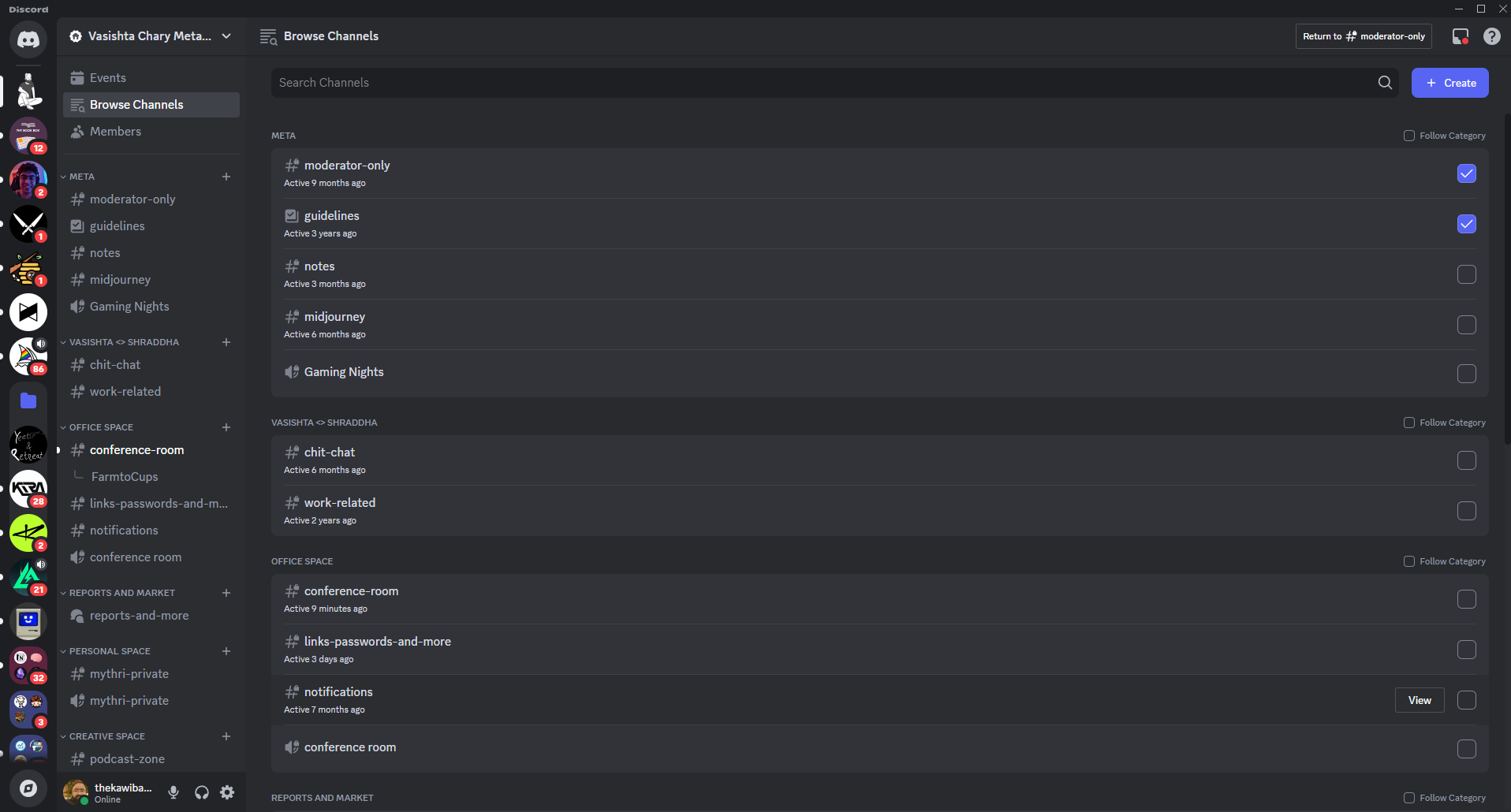
Productivity isn’t just about getting things done—it’s also about staying connected.
Discord is where I:
Hang out in founder communities
Share ideas & get feedback in real-time
Take breaks without falling into the social media black hole
It’s the one app that doesn’t feel like “work” but still plays a big role in how I grow and learn.
The Video That Changed How I Think About Productivity Tools
There’s this idea that if you just find the right app, you’ll be productive.
It’s not true. Productivity is about systems, not just tools.
That’s why this video hit home for me:
🔗 I Tried 137 Productivity Tools. These Are The Best. – Ali Abdaal
Ali doesn’t just list tools—he breaks down how to actually use them effectively. If you’ve ever felt like you’re constantly switching between productivity apps but nothing sticks, this is worth watching.
Systems > Tools
The biggest lesson I’ve learned? Tools don’t make you productive—systems do.
A great setup isn’t just about what you use but how you use it.
For me, this system means:
✔️ Ideas get captured instantly (Samsung Notes)
✔️ Projects are broken down & tracked (ClickUp)
✔️ Everything is organized in one place (Notion + Calendar)
✔️ Thinking & research are faster (ChatGPT + Perplexity AI)
✔️ A cleaner, distraction-free browser (Arc Browser)
✔️ Staying connected doesn’t feel like a distraction (Discord)
This setup reduces friction, removes decision fatigue, and helps me focus on what actually matters.
What’s in your productivity stack? Hit reply and let me know.
Until next time,
Vasishta Chary
I love this. I use Linear but surely will try ClickUp. And I also use excalidraw when I need to mind map. Glad you mentioned PerplexityAI because I love it.